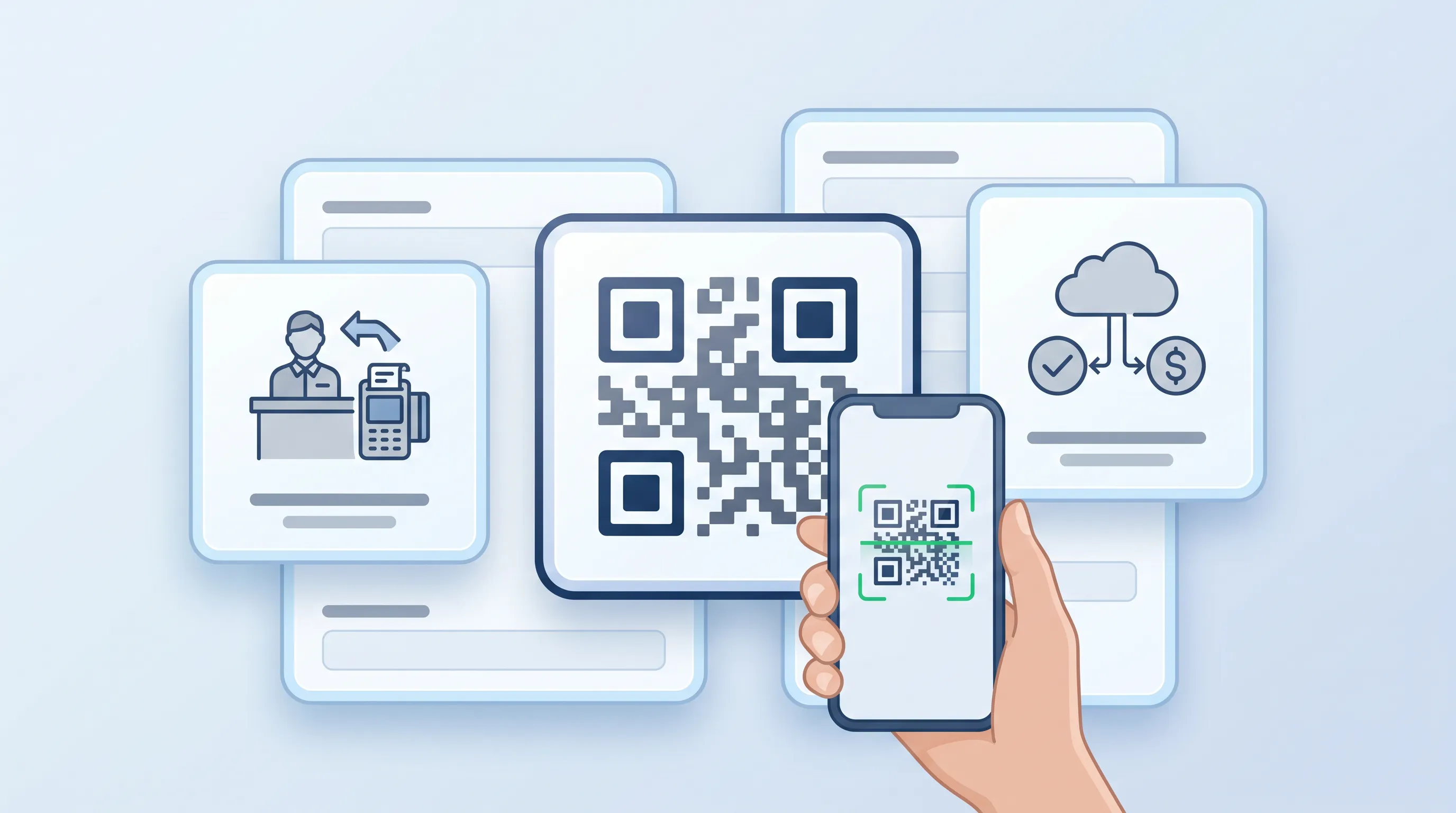
Map merchant tills
Each payment point is a child of the merchant and a pointer to a receiving account. The relationship looks like this:
1ADINKRA MART (Merchant ID: one record)2 |3 |-- Osu branch4 | |-- Till 1 -> Terminal ID ...01 -> Account GHS-44715 | |-- Till 2 -> Terminal ID ...02 -> Account GHS-44716 |7 |-- Madina branch8 | |-- Till 3 -> Terminal ID ...03 -> Account GHS-44719 | |-- Till 4 -> Terminal ID ...04 -> Account GHS-447110 |11 |-- Tema branch12 |-- Till 5 -> Terminal ID ...05 -> Account GHS-447113 |-- Till 6 -> Terminal ID ...06 -> Account GHS-4471
Get one arrow wrong and the money still arrives. That's the trap. If Till 4's record points at the Terminal ID printed on Till 3's sticker, the account credit is correct and the attribution is wrong, so the Madina supervisor closes short every evening while a colleague closes long. The merchant will blame the cashier before anyone blames the mapping table, and by the time your support desk hears about it you're reconstructing two weeks of till sheets.
Generate GhQR codes
Code generation happens on your side after sign-off. GhIPSS sets out that the merchant is issued a code for each till, and that each code has an associated unique Terminal ID linked back to the merchant. One sticker maps to one till, with one Terminal ID in your platform record.
The Terminal ID is the payment route for customers on feature phones, who dial their provider's USSD string and key the Terminal ID instead of scanning. Research on Ghanaian merchant adoption notes that unique Terminal IDs are allocated to each point of payment specifically to facilitate receipts via USSD. In a market where feature phones still move real volume, a till whose Terminal ID is unreadable on the printed card is a till that has quietly dropped a customer segment.
Display materials carry the same risk as the mapping table. Print the branch and till label on the GhQR code card together with the symbol, and have the person installing them photograph each card in position against the till number. GhIPSS lists point-of-display material as part of deployment, so treat it as part of the issuance record.
Test and activate
Test before activation, with the merchant present. Scan every code with at least two different apps on two different networks. Confirm the merchant name renders in full and watch the credit land in the linked account after a small cedi payment through each till.
Check attribution by Terminal ID, because six tills tested with six identical amounts tell you nothing. Confirm the merchant notification arrives and names the till. Run a deliberate failure by canceling an authorization midway, and see what both sides are told. Then make sure the merchant has a support number that reaches a person who can read the mapping table, and that your GhQR merchant registration record is marked active only after all of that evidence is attached.
Choose the QR type
Static and dynamic are both valid options under the GhQR scheme. The main difference is how the transaction amount is entered and how much integration is required from the merchant.
A static GhQR code allows the customer to enter the payment amount manually in their banking app. It contains basic merchant and terminal information and does not require checkout integration. The code can be printed once and reused, making it suitable for market stalls, service providers and businesses handling frequent, low-value transactions.
A dynamic GhQR code, on the other hand, has the payment amount pre-filled by the merchant's point-of-sale system. It can also carry additional transaction details, such as an invoice or order reference. This requires POS or API integration, with a new code generated for each transaction. It is therefore more suitable for supermarkets, fuel stations and restaurants.
The point-of-initiation method in the QR payload distinguishes the two types: 11 indicates a static QR code, while 12 indicates a dynamic QR code (source). A dynamic QR code without a specified amount is considered a specification violation.
Adinkra Mart's six tills are a dynamic case because the amount is already in the point-of-sale system and retyping it at speed is how customers underpay. A tailor in Kejetia market is a static case. Don't push dynamic on a merchant with no till system, and don't leave a high-volume lane on static because it was faster to deploy.